Room for real life.
Practical notes on planning your day, keeping your focus, and making room when life changes.
Articles
A little more clarity.
By Daniel · · 6 min read
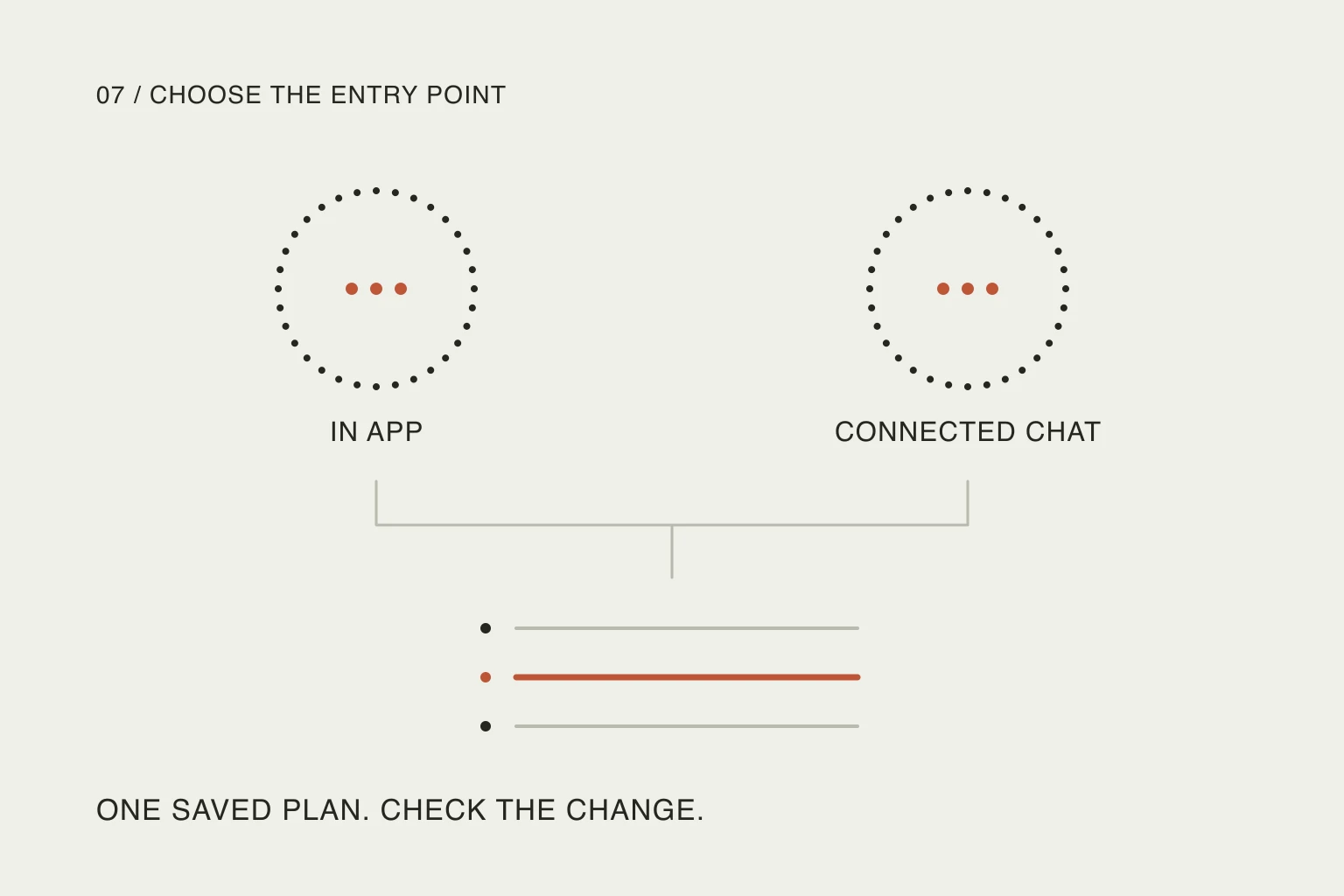
Choose where to use TickTick’s AI.
Another AI button is useful when it removes work. Choose the conversation around what you need to change, then check the saved result.Read article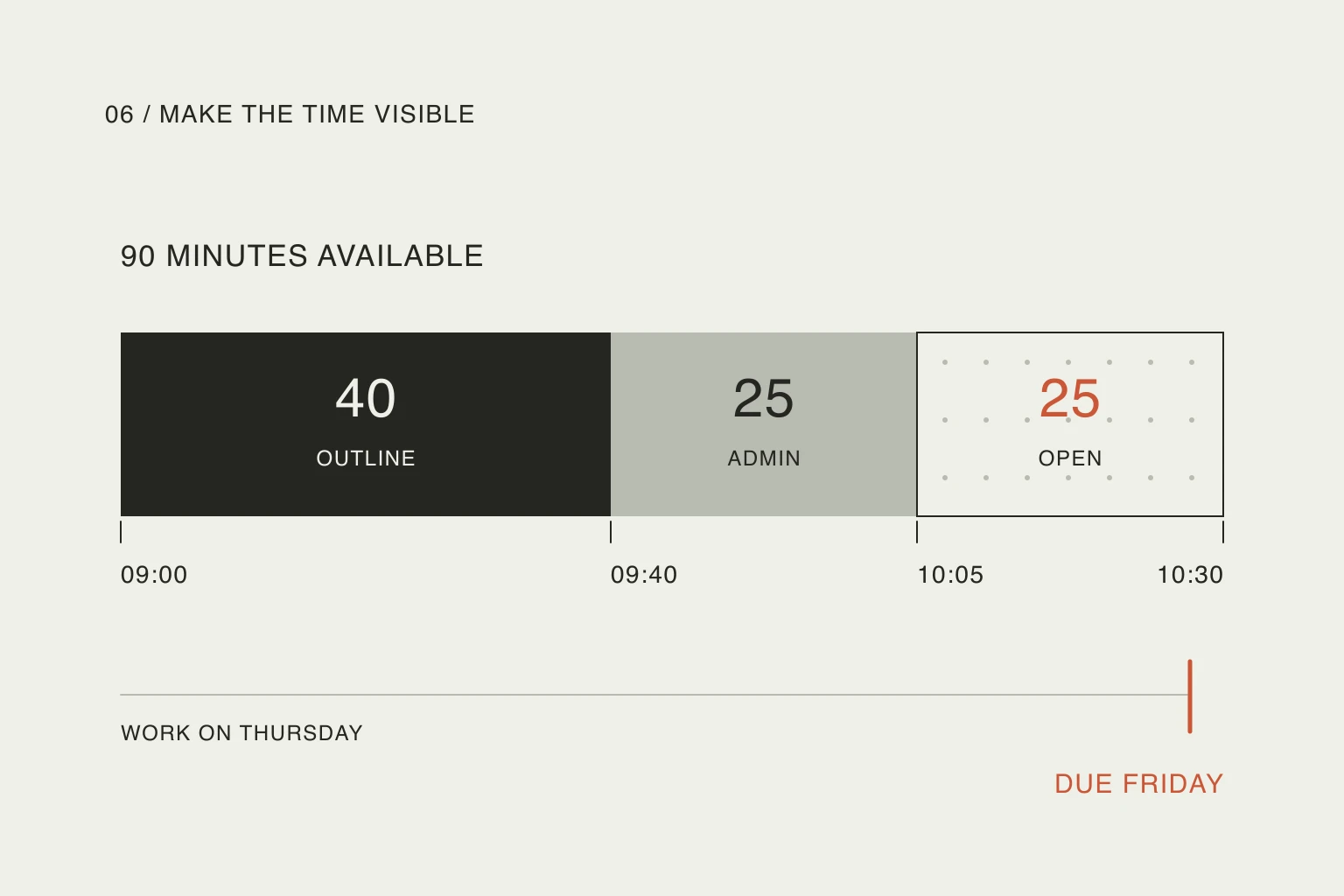
By Daniel · · 6 min read
Make room for tasks in Google Calendar.
A task can remind you, reserve working time or carry a deadline. Decide which meaning you need before filling the calendar.Read article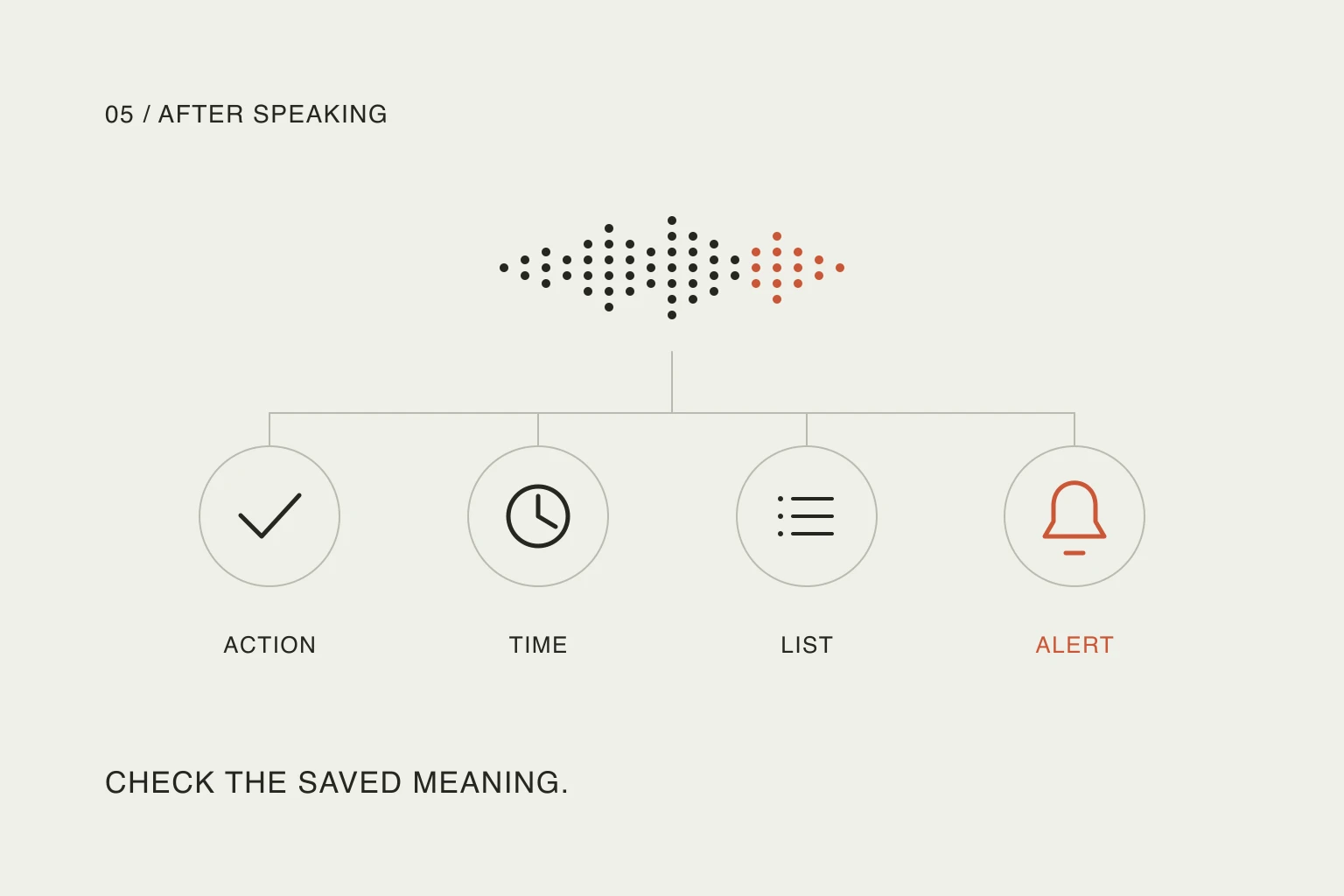
By Daniel · · 6 min read
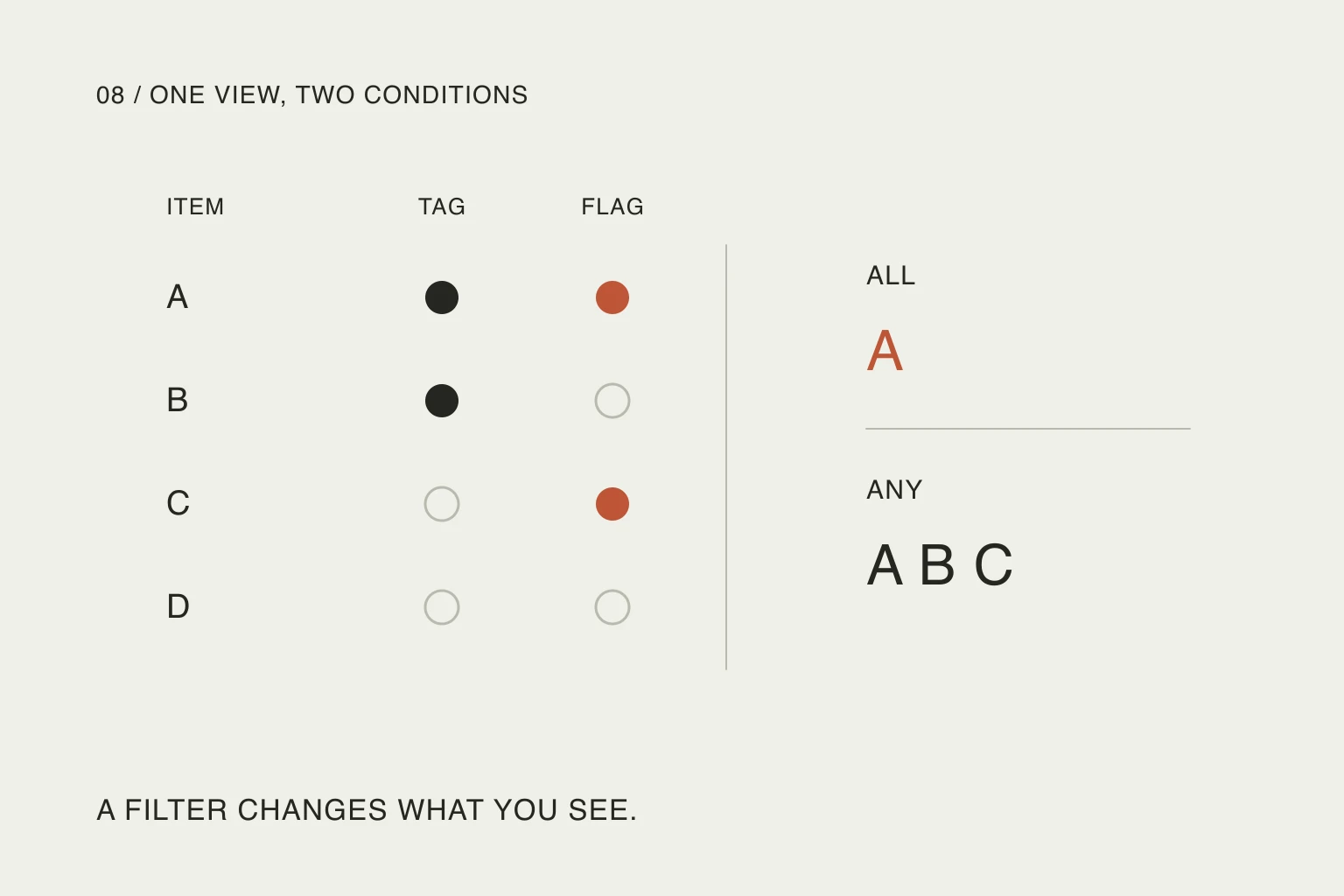
Todoist Ramble: check what your voice actually saved.
Speaking a task is only the beginning. The useful result is the right action, date, destination and reminder, saved where you expect.Read article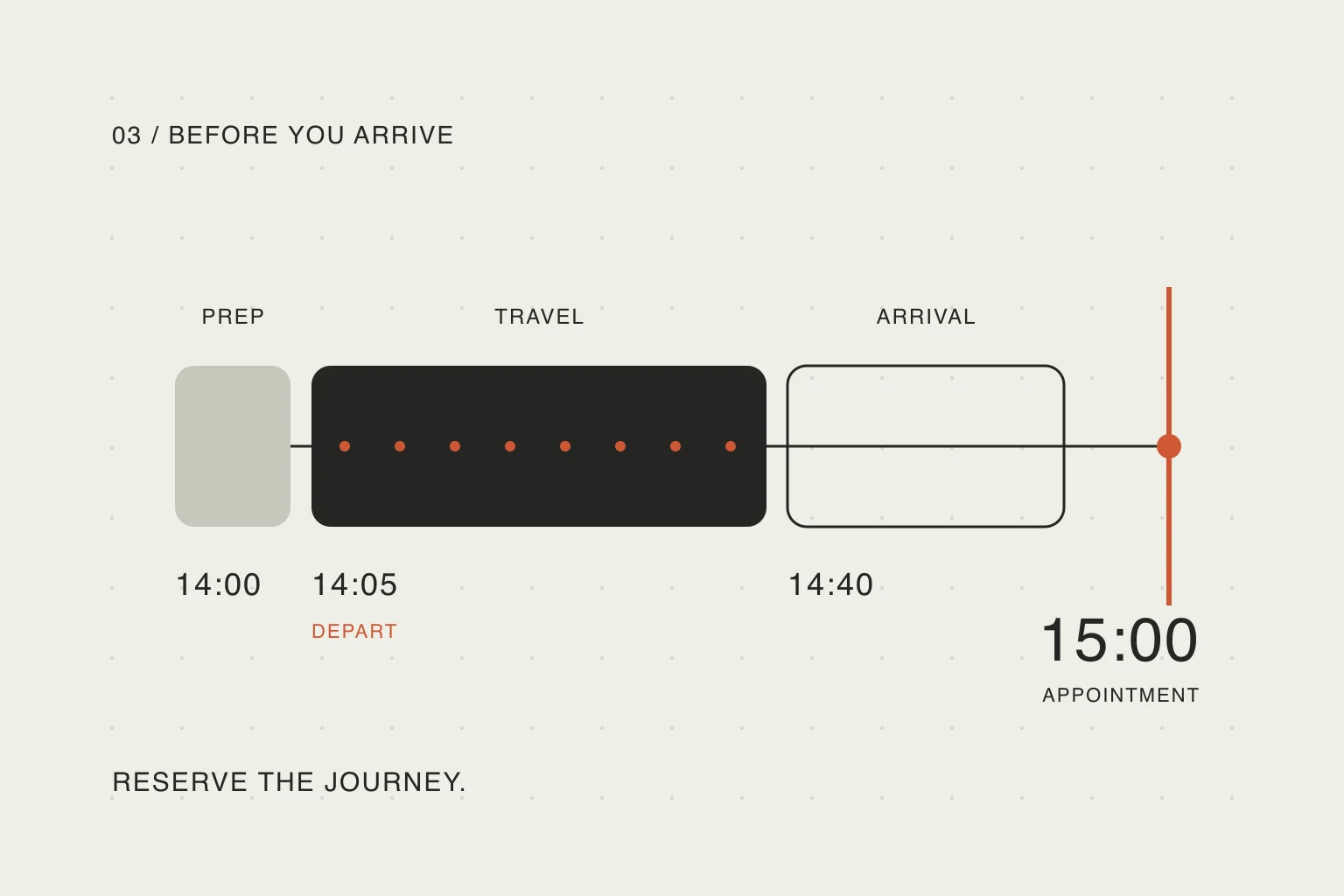
By Daniel · · 6 min read
Plan the journey, not just the appointment.
A free slot before a meeting may already belong to the journey. Work backwards from arrival to make that time visible.Read article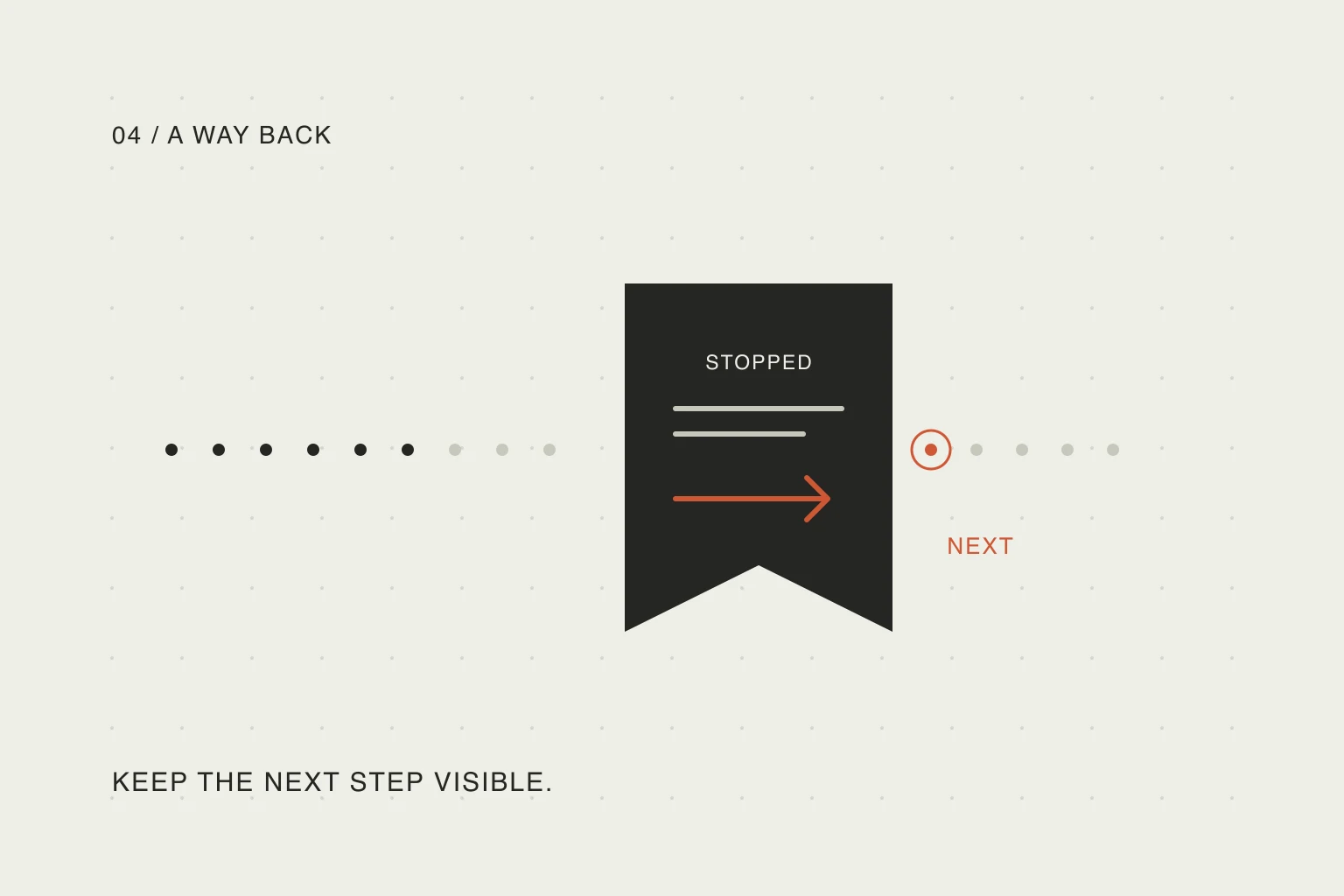
By Daniel · · 6 min read
Leave yourself a way back into the task.
A task title tells you what to do. A short return note tells you where to begin again after the phone call or meeting.Read article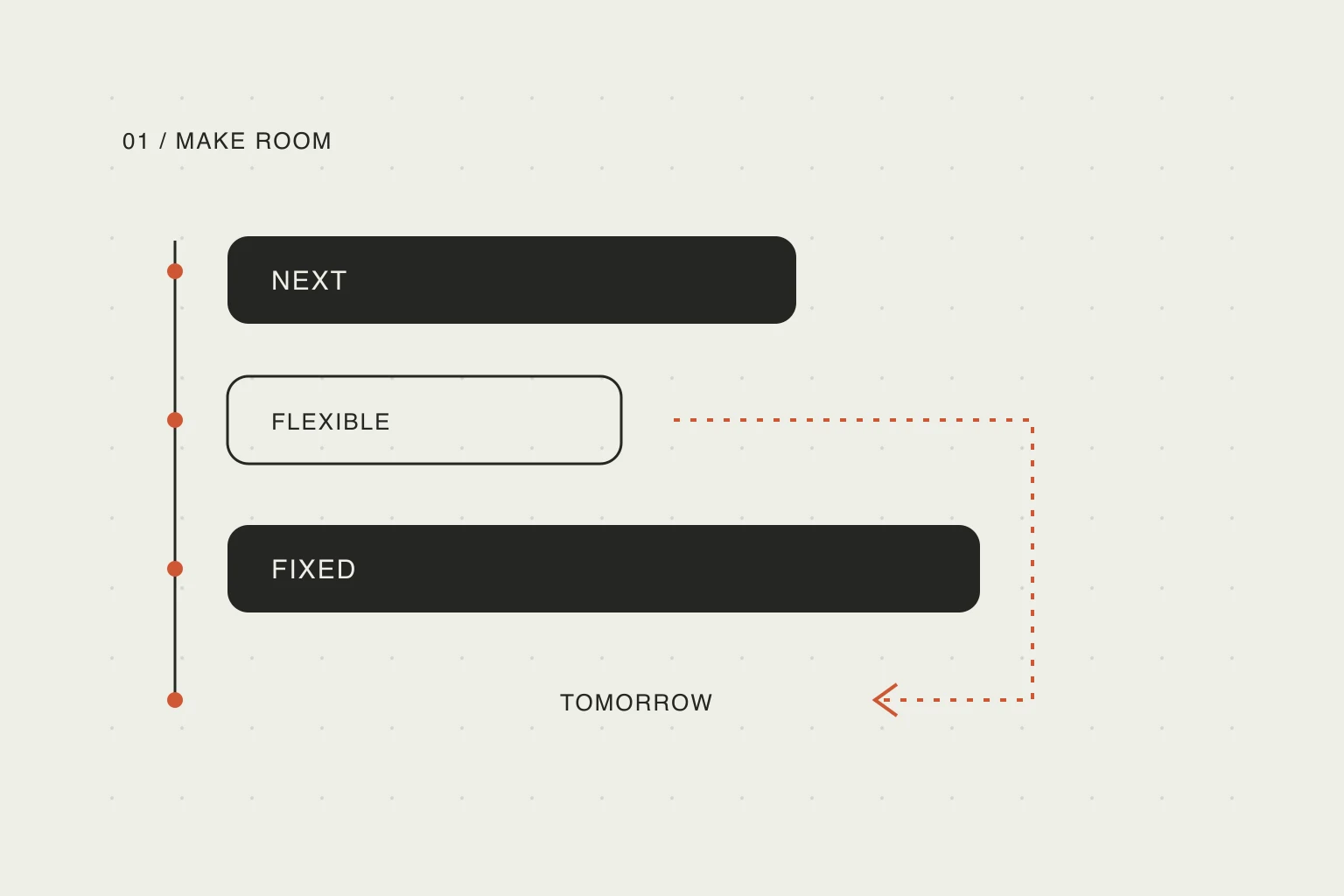
By Daniel · · 6 min read
Running late? Replan the rest of your day.
One task took longer. Keep the commitments that matter and make a realistic plan for the time you still have.Read article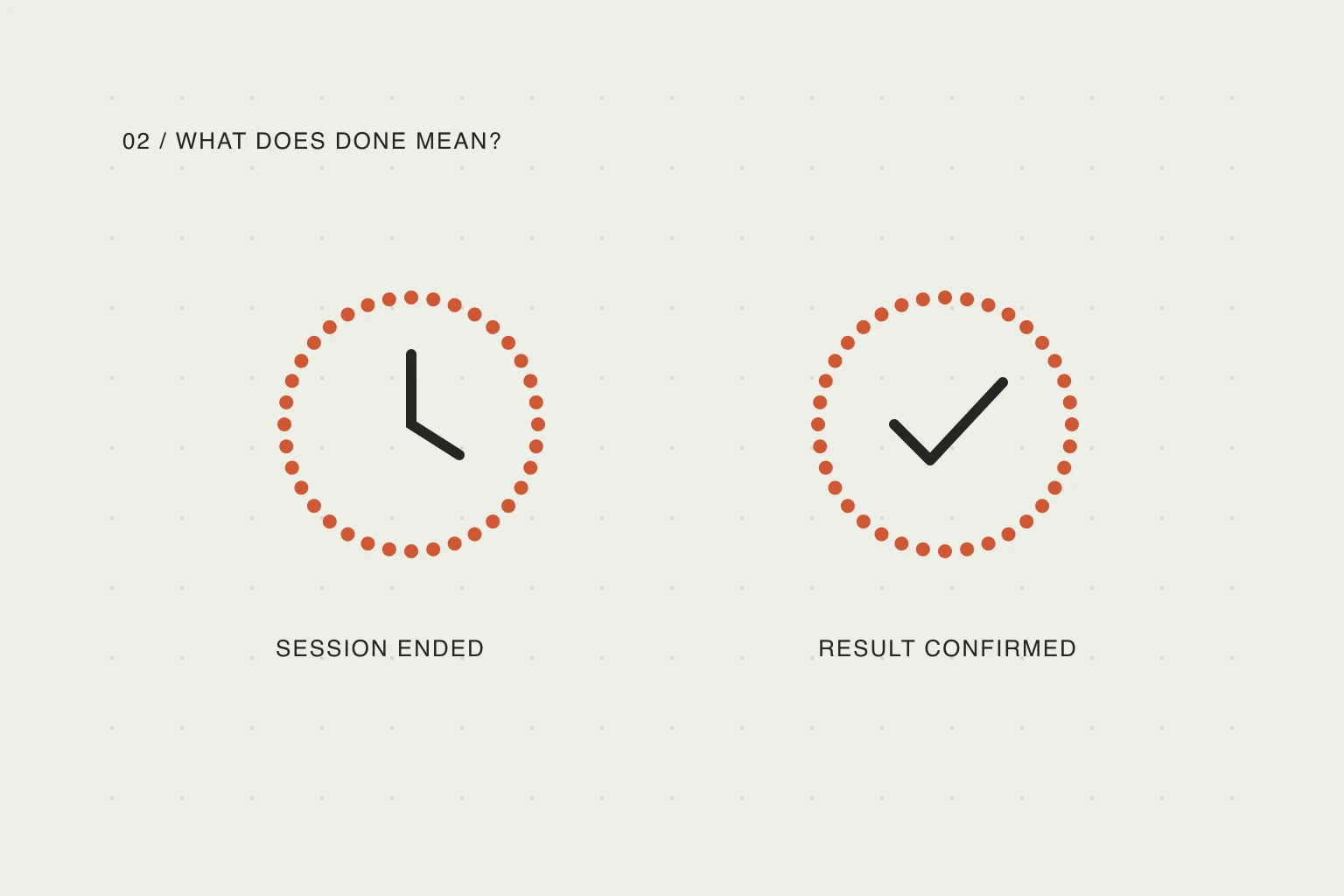
By Daniel · · 6 min read
A timer ended. Is the task actually done?
Use a checkmark for an achieved result. Let a timer finish only the sessions you deliberately choose to measure by time.Read articleYour day, your pace
Make a little room.
See your plan in Nowrill. Create and edit it with your own AI. The mobile app is in development.