By Daniel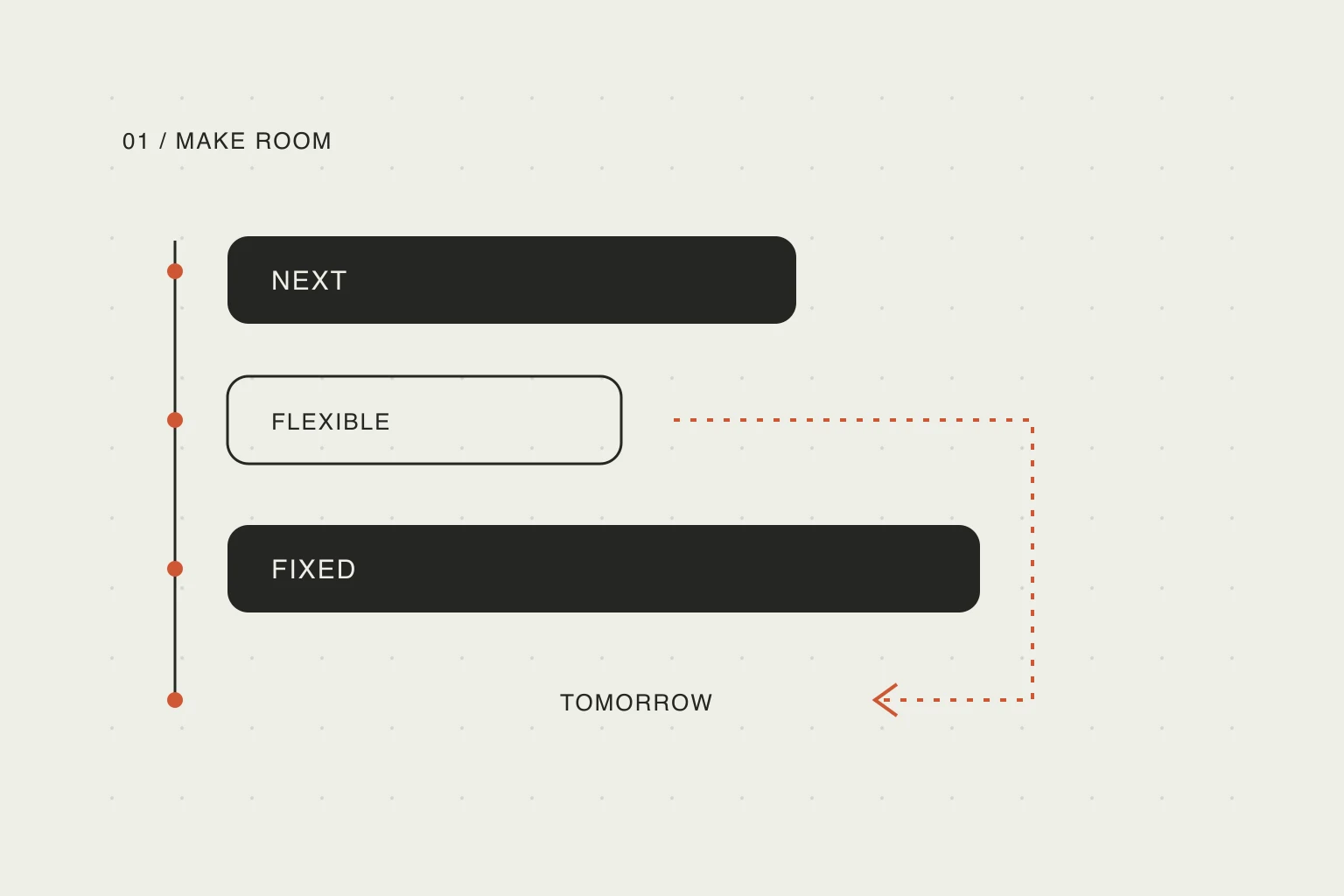
In this article
First, find the next thing that cannot move
A delay becomes difficult when a flexible task collides with a commitment to someone else. Sliding every block forward can make the calendar look tidy while making you late for a meeting, a pickup, or a train.
Start with one question: what is the next time I must actually be somewhere? Include the time needed to get ready and travel. A meeting at 15:00 across town is not a free afternoon until 15:00. If you need to leave at 14:20, that departure is the useful boundary for your work.
A post by u/the_reddiot describes the moment a carefully arranged day stops matching reality:
Task 1 takes 30 minutes longer than expected, or an interruption happens, and my entire schedule for the afternoon breaks.
— u/the_reddiot, r/ProductivityApps.
The useful question is what happens after that delay reaches something fixed. Moving blocks is easy to describe; deciding which work should lose time requires a choice. This is one user's account, not evidence about how common the problem is or which app is best. Use it as a test when evaluating a planner: does the app make that conflict visible, and can you choose what moves?
Write down the fixed boundary before touching the rest of the list. If there is no fixed commitment, choose a deliberate stopping time instead of letting unfinished work expand indefinitely.
Estimate the work that remains
An original estimate describes what you expected earlier. Once you have started, use what you now know. “Finish presentation” may mean ten minutes of cleanup or ninety minutes of rewriting. Those are different plans.
Replace a vague unfinished task with the next observable result. For example, “prepare presentation” can become “finish the three recommendation slides.” If the task can be split, keep the remaining part visible rather than pretending the whole task will fit into a shorter slot.
Duration estimates are a planning aid, not a promise. Todoist's documentation on task duration similarly uses an estimated duration to show how much of the day a task occupies. The useful idea is portable: you can do the same arithmetic in a calendar, on paper, or in a simple note.
Do not spend another twenty minutes perfecting the estimate. Choose a plausible range, then reserve enough space to reach a useful stopping point.
Choose what to shorten, move, or drop
Here is an illustrative afternoon. It is an example for working through the decision, not a recommended universal schedule.
Scroll sideways to compare →
| Item | Earlier plan | Plan at 13:10 |
|---|---|---|
| Finish the draft | 12:30–13:00 | 13:10–13:45: finish the outline |
| Review messages | 13:00–13:30 | 13:45–14:00: urgent replies only |
| Prepare and travel | 14:00–15:00 | Keep as planned |
| Appointment | 15:00 | Keep as planned |
| Compare purchase options | Before leaving | Tomorrow, after checking capacity |
The new plan does not recover time that has already passed. It makes the tradeoff explicit: a smaller drafting outcome, a limited message session, and one task moved. If the draft is genuinely due today, the optional comparison is an easier thing to move than the appointment.
For each remaining task, choose one action:
- Keep: it fits and still matters today.
- Reduce: a smaller result would still be useful.
- Move: give it a real destination with available time.
- Drop: it no longer deserves a place in the plan.
“Tomorrow” is not unlimited storage. Look at tomorrow before moving work into it. If the destination is already full, choose a later day or explicitly replace something less important.
Leave room for the next interruption
If every available minute has a task assigned to it, the next phone call will break the revised plan too. Leave some unassigned time around work with uncertain duration and around departures.
Todoist's time-blocking guide recommends buffers and revising blocks when estimates are wrong. You do not need to adopt a particular percentage. Start with the kind of uncertainty you actually face: a slow handoff, finding parking, or a task you have never done before.
For travel, distinguish a current route estimate from a guess. Check a mapping service near departure and add your own preparation time. A saved map link identifies a destination; it does not by itself guarantee that traffic has been checked. Weather can change the activity you choose, but a general forecast is not a reason to silently cancel a commitment.
Give your AI a bounded editing request
You can make the same decisions manually. If you use an AI-connected planner, a useful request says what changed, what must stay fixed, and which tradeoff you accept.
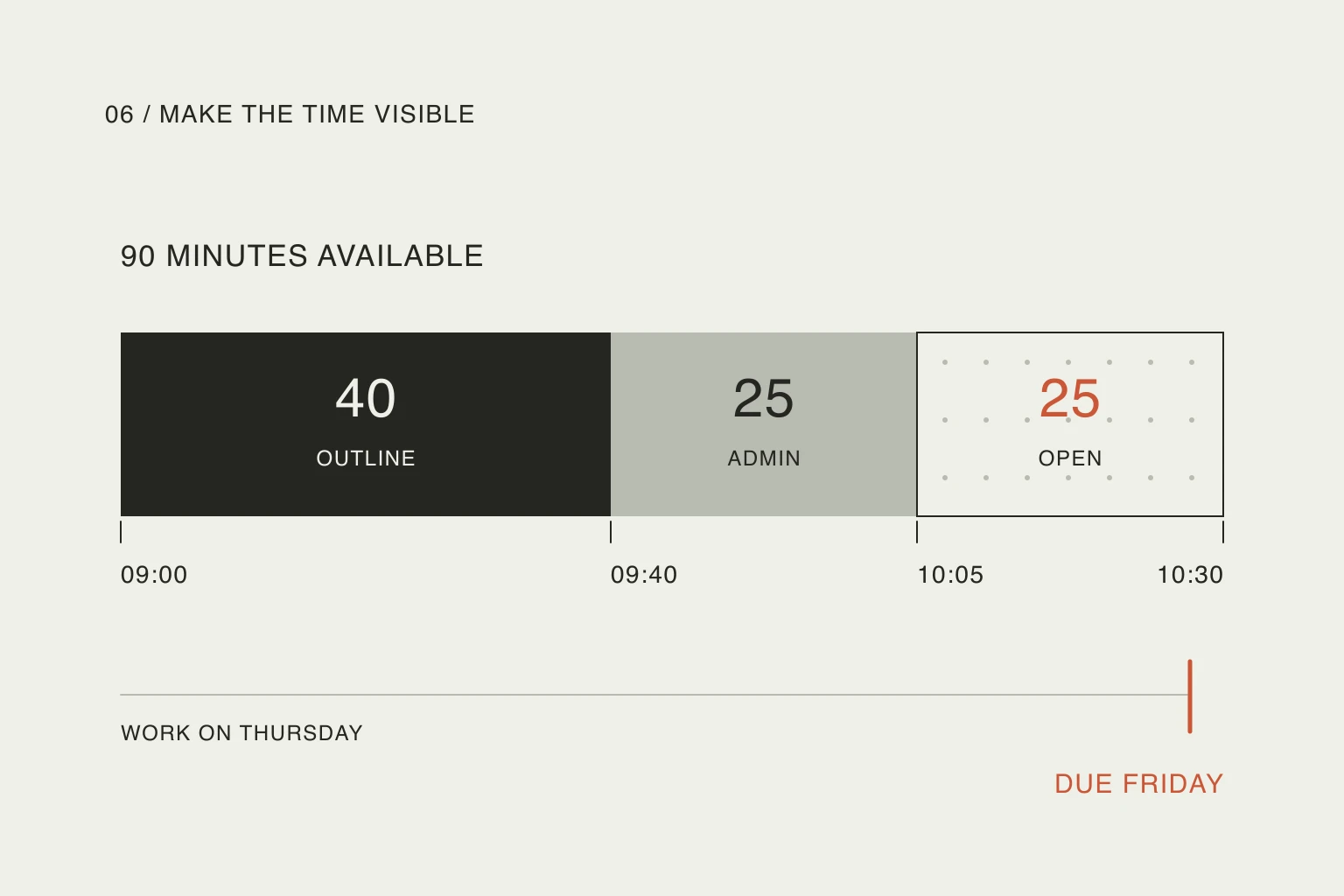
I am 40 minutes behind. Keep my 15:00 appointment and the travel block before it. Give me 35 minutes for the draft outline, limit messages to 15 minutes, and move the purchase comparison to tomorrow if there is room. Keep every other task unchanged. Tell me if this does not fit.
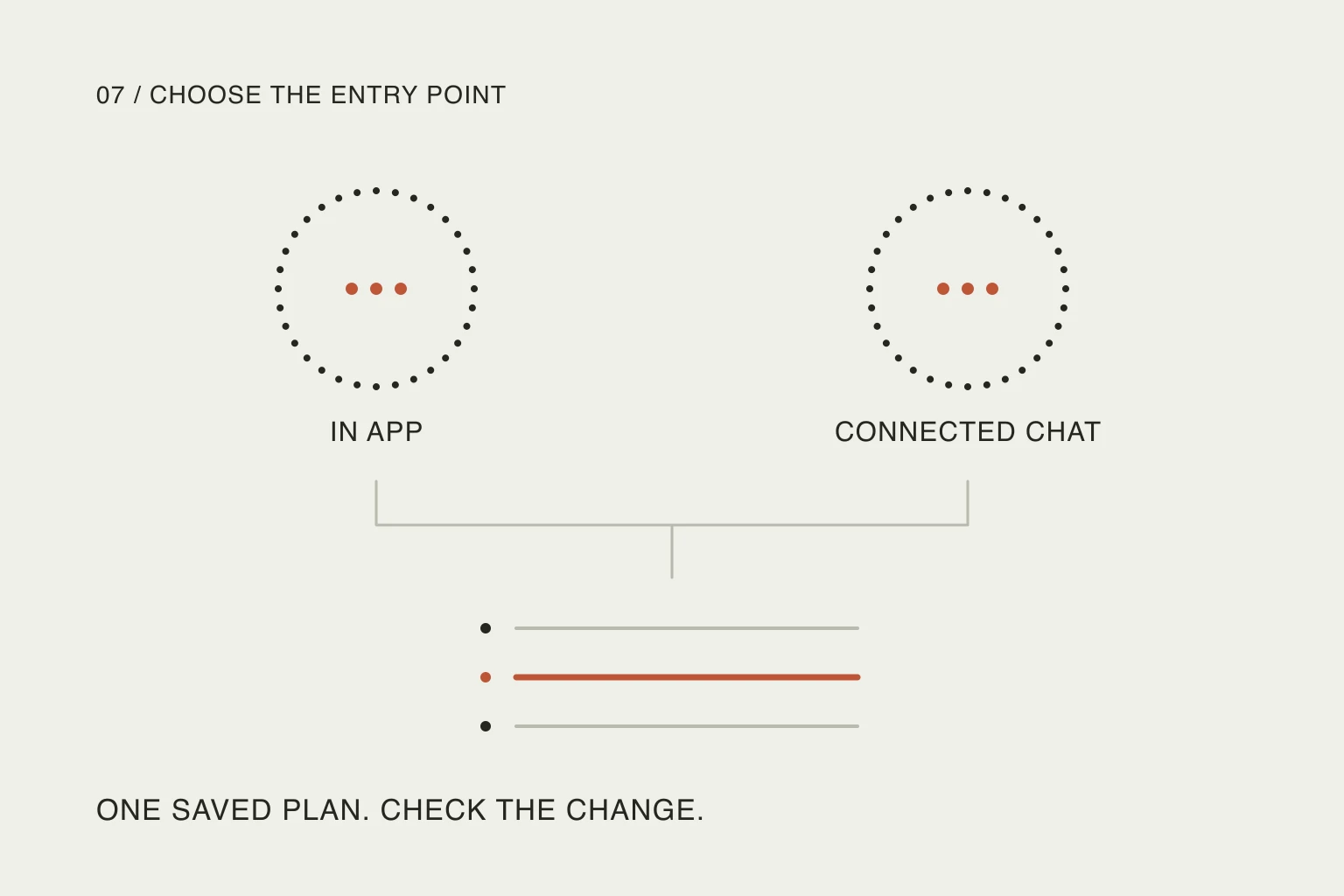
In Nowrill, the conversation lives in your connected AI assistant and the web planner displays the saved result. After an edit, check the changed times and the moved task. A request is only useful if the resulting plan still matches your commitments. Connection availability depends on the assistant and account settings; do not assume every chat already has access to your plan.
For progress, keep a separate distinction between time spent and work finished. Our guide to manual and automatic task completion explains when a timer can reasonably finish a session and when you should confirm the result yourself.
End with one clear next action
Once the plan fits, stop reorganizing it. Open the material you need for the next task and decide what “enough for this block” means. At the next natural break, check whether the estimate still holds.
The point of replanning is to recover a usable next step, not to make the morning look as if it went perfectly. An honest smaller plan can be easier to act on than a full calendar that no longer describes your day.
Useful resources
- Todoist: set a task duration — see how an estimated duration gives a task a visible footprint in the day.
- Todoist: time blocking — a guide to allocating time, adding buffers and adjusting blocks when plans change.
- The Reddit discussion above — compare the original scheduling question with the tradeoffs raised in the replies; treat individual recommendations as anecdotes.