By Daniel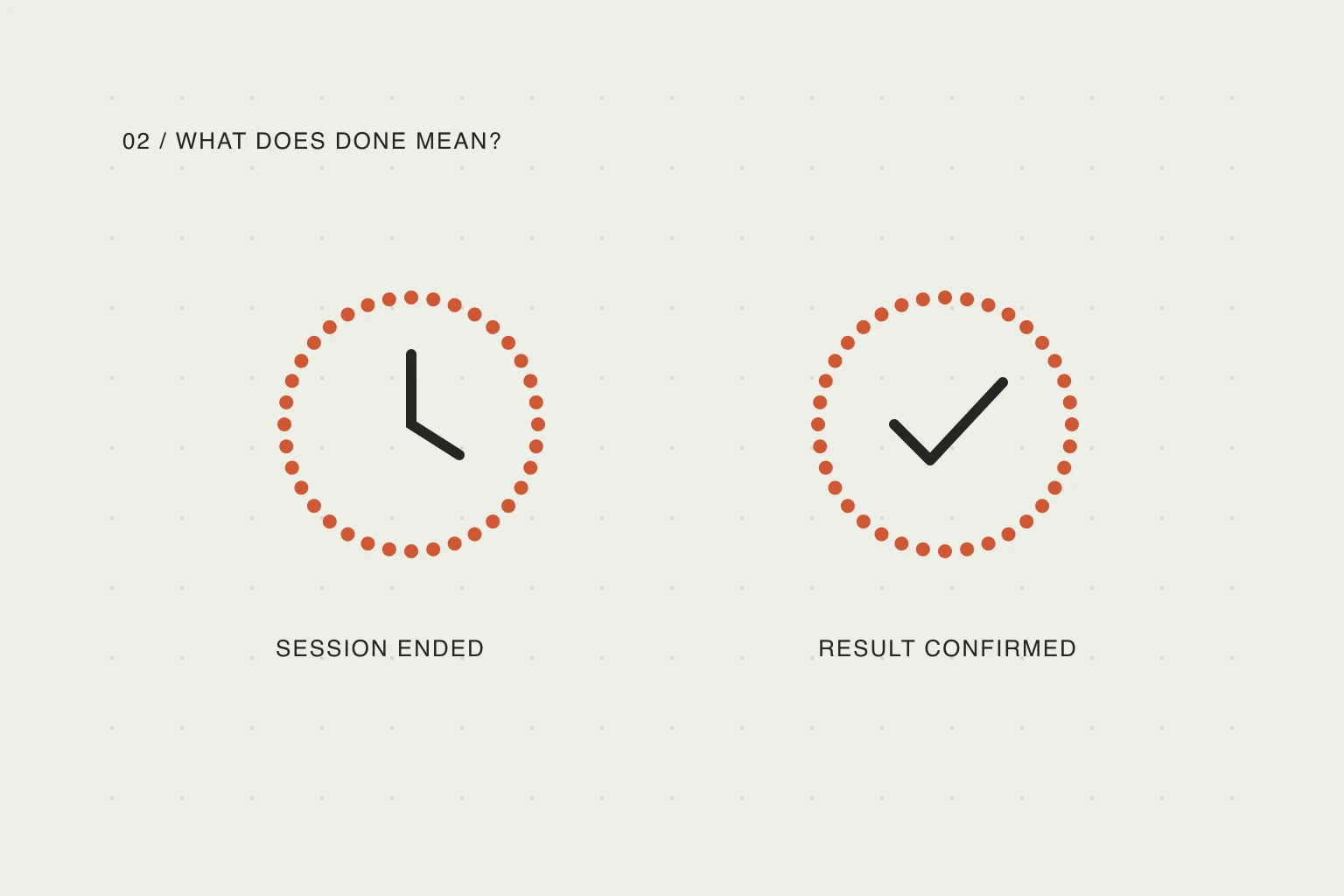
In this article
Decide what the checkmark means
A useful completion mark answers a specific question. For “send the proposal,” it means the proposal was sent. For “read for twenty minutes,” it may mean a twenty-minute session ended. For “dentist at 15:00,” the event moving into the past is a time fact, not proof that you attended.
When these meanings are mixed, a progress indicator becomes hard to trust. It can look encouraging while hiding an unsent document or an appointment you missed. Before choosing automation, describe the result in a sentence: “This is done when…”
You do not need a new app to apply this distinction. A paper checklist or an ordinary reminder can hold an outcome. A timer can measure a session. The important part is deciding which signal you want to record.
Use manual completion for outcomes
Most everyday obligations have a result that a clock cannot verify. Examples include booking tickets, submitting a form, buying groceries, or answering a specific email. Running out of scheduled time does not complete any of them.
Manual completion does not have to mean a long review process. One clear action after the result is enough. Apple's Reminders guide separates scheduling alerts from marking a reminder complete; its completion control is an explicit action next to the reminder. That is a useful baseline when you only need a dependable checklist.
If you repeatedly forget to tick something off, reduce the distance between doing it and marking it. Keep the active task visible, or do a short review at a natural stopping point. Avoid solving the missing-checkmark problem by making the app claim that work happened without evidence.
For a complex task, separate the first useful step from the final result. “Write the first three sections” can be complete even when “publish the report” is not. This gives progress a concrete meaning without requiring every small action to become a separate administrative chore.
Use timer completion for deliberately timed sessions
A timer can be appropriate when the agreement is to spend a bounded period on an activity: a short reading session, practice, or a focus block. The completion mark then records that the started session reached its end. It does not certify attention, quality, or a finished deliverable.
The distinction matters even for a familiar technique such as time boxing. Todoist's explanation of time blocking and time boxing describes allocating periods to activities. Allocated time helps organize a day; it is not a sensor for whether you performed the activity.
A useful timer policy has four parts:
- You choose timer completion for that session.
- The session has a known duration.
- You start it when you begin, rather than when you save a schedule.
- You pause it when an interruption should stop the count.
If you walk away without pausing, the timer may still finish. No visual treatment can remove that limitation. Use manual completion when an inaccurate checkmark would make you miss an important obligation.
A timer can end before a useful stopping point
The mismatch also appears in ordinary study routines. In a post about Pomodoro sessions, u/bornok14 describes preferring to finish a unit of work before stopping:
I realized I work better when I just let myself continue until I reach a natural stopping point. Finish the topic. Finish the task. Finish the thought.
— u/bornok14, r/study.
This is a personal account, not evidence that Pomodoro is ineffective. It illustrates why a session ending and a task being finished need separate signals. If your timer rings mid-paragraph, you can record the elapsed session while keeping the reading task open. Then choose whether to stop, finish that paragraph, or leave a return note. The clock does not need to make that decision for you.
Separate events from tasks
An appointment, a task, and a session can appear together in a day plan while having different completion rules.
Scroll sideways to compare →
| Plan item | Useful signal | Sensible default |
|---|---|---|
| Send the final proposal | The message or file was sent | Mark complete manually |
| Read for twenty minutes | A started session has ended | Optional timer completion |
| Attend a meeting at 15:00 | Scheduled time has passed | Display as a past event |
| Pick up a parcel | The parcel is in your hands | Mark complete manually |
| Draft ideas for half an hour | Time spent, plus unfinished ideas | Finish the session; keep the outcome separate |
These are suggested defaults, not claims about what every user prefers. Someone using a planner as a daily diary may value recording attendance; someone using it for focus may care mainly about the current action. The labels should make the chosen meaning clear.
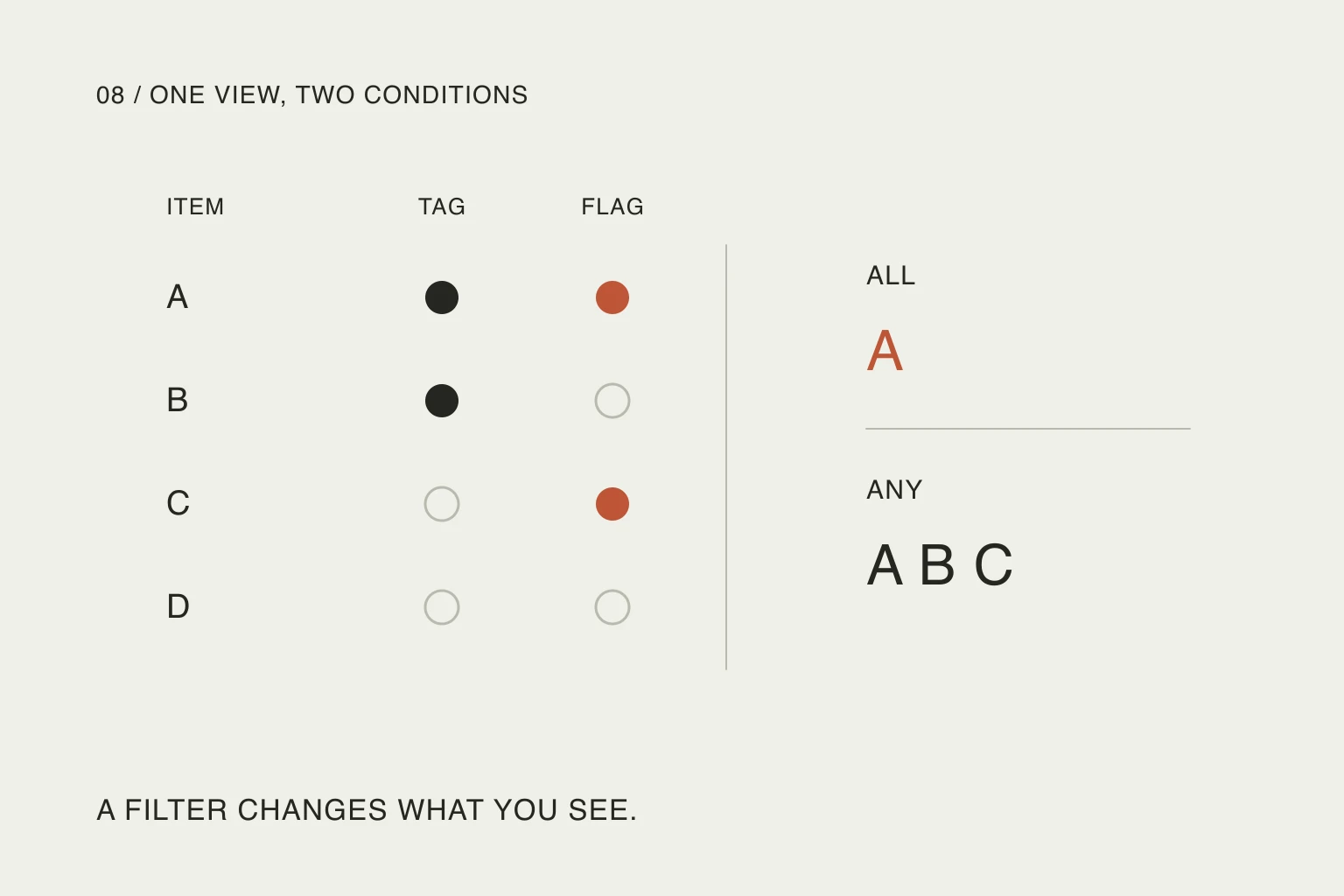
A day-progress count also needs a stable definition. If events count as completed work automatically, a day full of meetings can appear complete before any intended task is finished. Show elapsed events separately from tasks that need a checkmark.
How this works in Nowrill
Nowrill defaults to manual completion. An ordinary task does not become done because its planned time has passed. Events are shown as events and are excluded from the task-completion count.
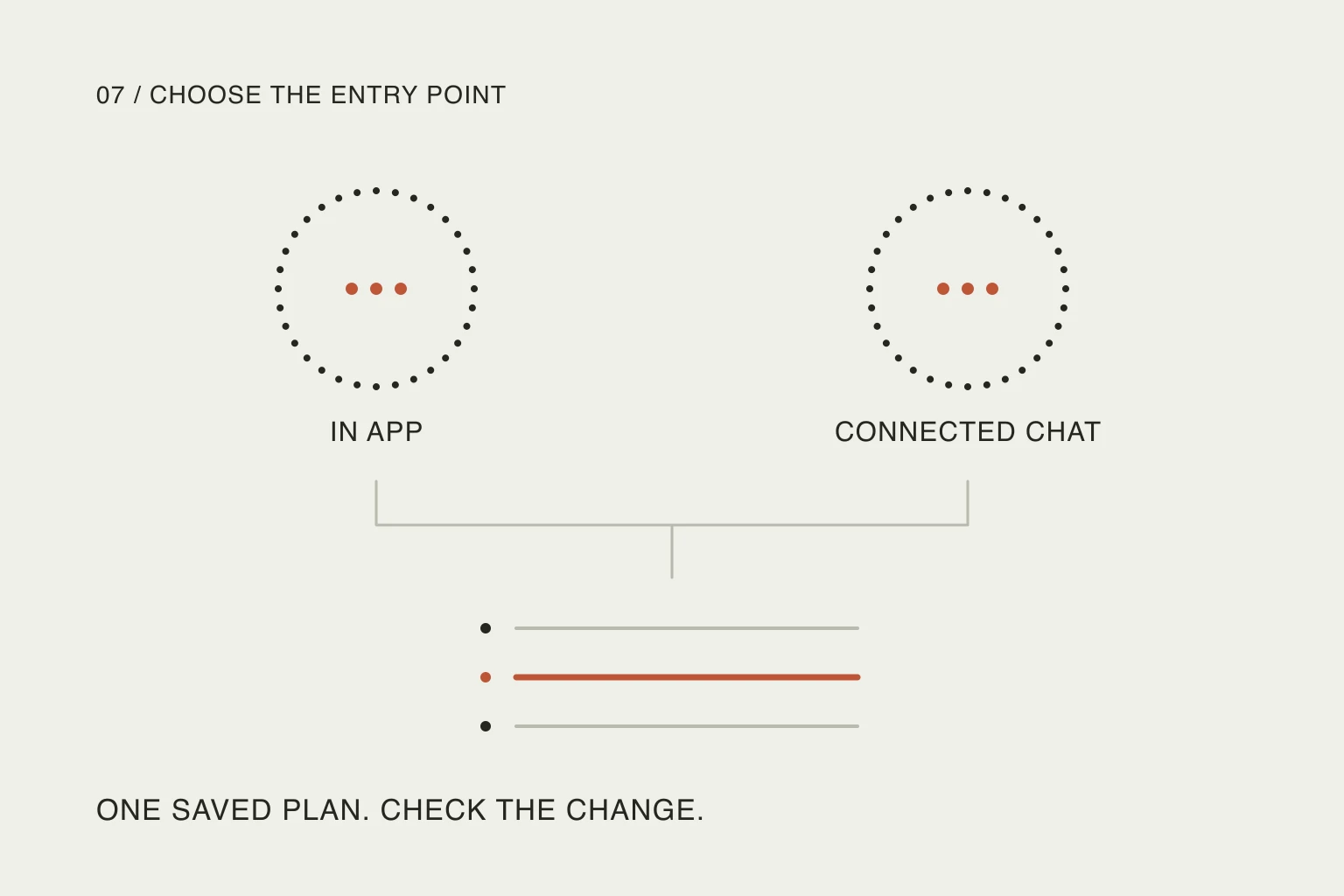
For a timed session, you can explicitly opt into timer completion through your connected AI. The session needs a duration and an explicit start action. You can pause and resume it. The timer reaching its end means the session ended; it does not mean a separate outcome was achieved. Updates across surfaces depend on their refresh behavior, so a widget should not be treated as a second-by-second live timer.
A precise request might be:
Add a twenty-minute reading session for this evening. Use timer completion for that session only, starting when I press Start. Keep submitting the expense report as a separate task that I mark done myself.
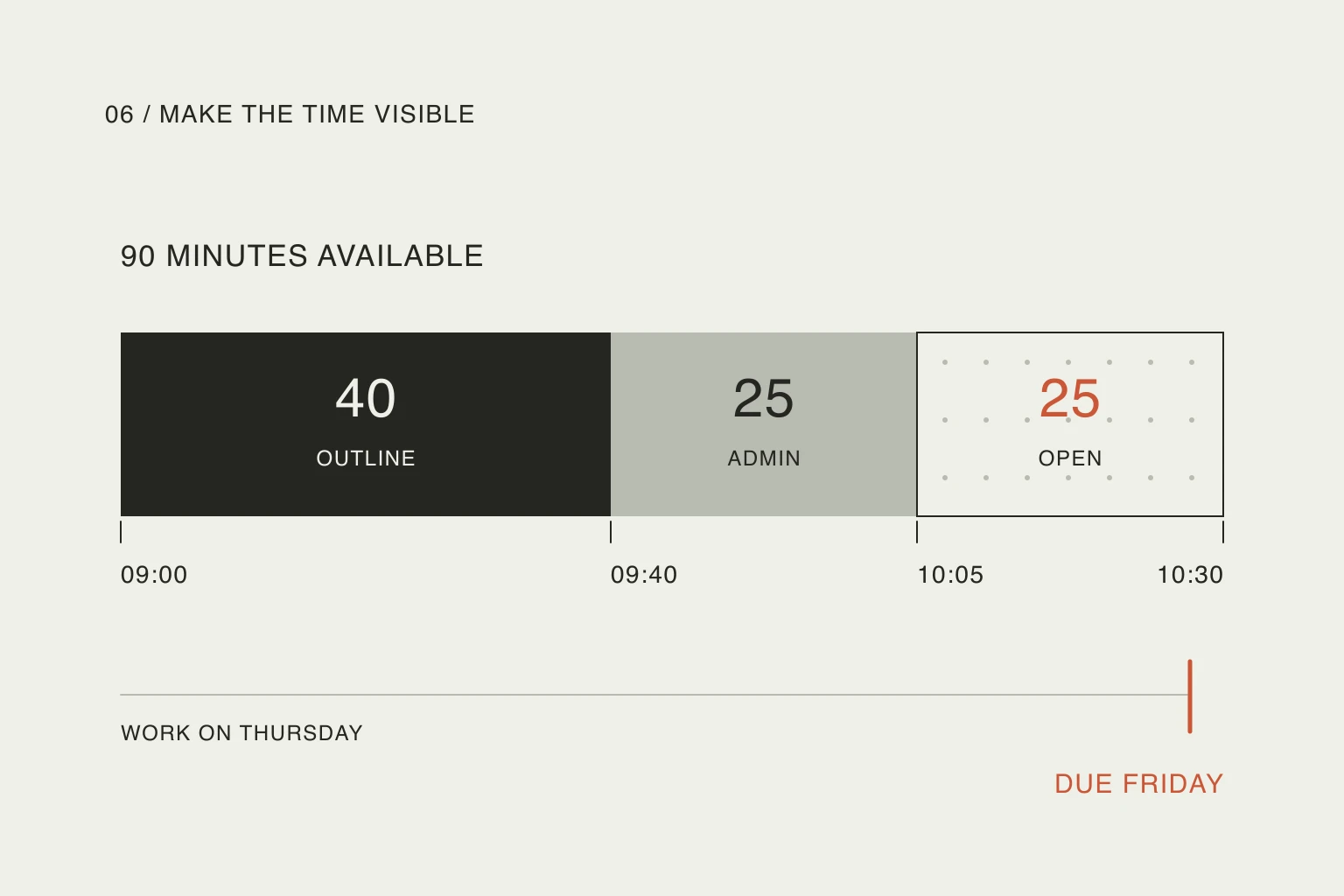
If an interruption changes the rest of the day, replan the remaining time before starting another block. A moved task should stay unfinished until its own completion condition is met.
The web planner is available now. The mobile app and widgets are in development, so these articles are not an invitation to download a public mobile release.
Choose less administration, without losing the truth
Try the distinction on a small part of your next day. Keep outcomes manual, pick one low-stakes timed session if that suits you, and look at the result afterward. Did the checkmarks help you understand what happened, or did they hide work you still needed to do?
There is no need to automate every task to make a planner feel simple. Often, the simpler rule is the one you can interpret immediately: a checkmark means the thing you explicitly defined as done.
Useful resources
- Apple: use Reminders on iPhone — see the distinction between scheduling a reminder and explicitly marking it complete.
- Todoist: time blocking and time boxing — compare ways to allocate time without treating the schedule as proof of a finished outcome.
- The study-session post above — read one student's account of choosing a natural stopping point, with the limits of a personal anecdote.