By Daniel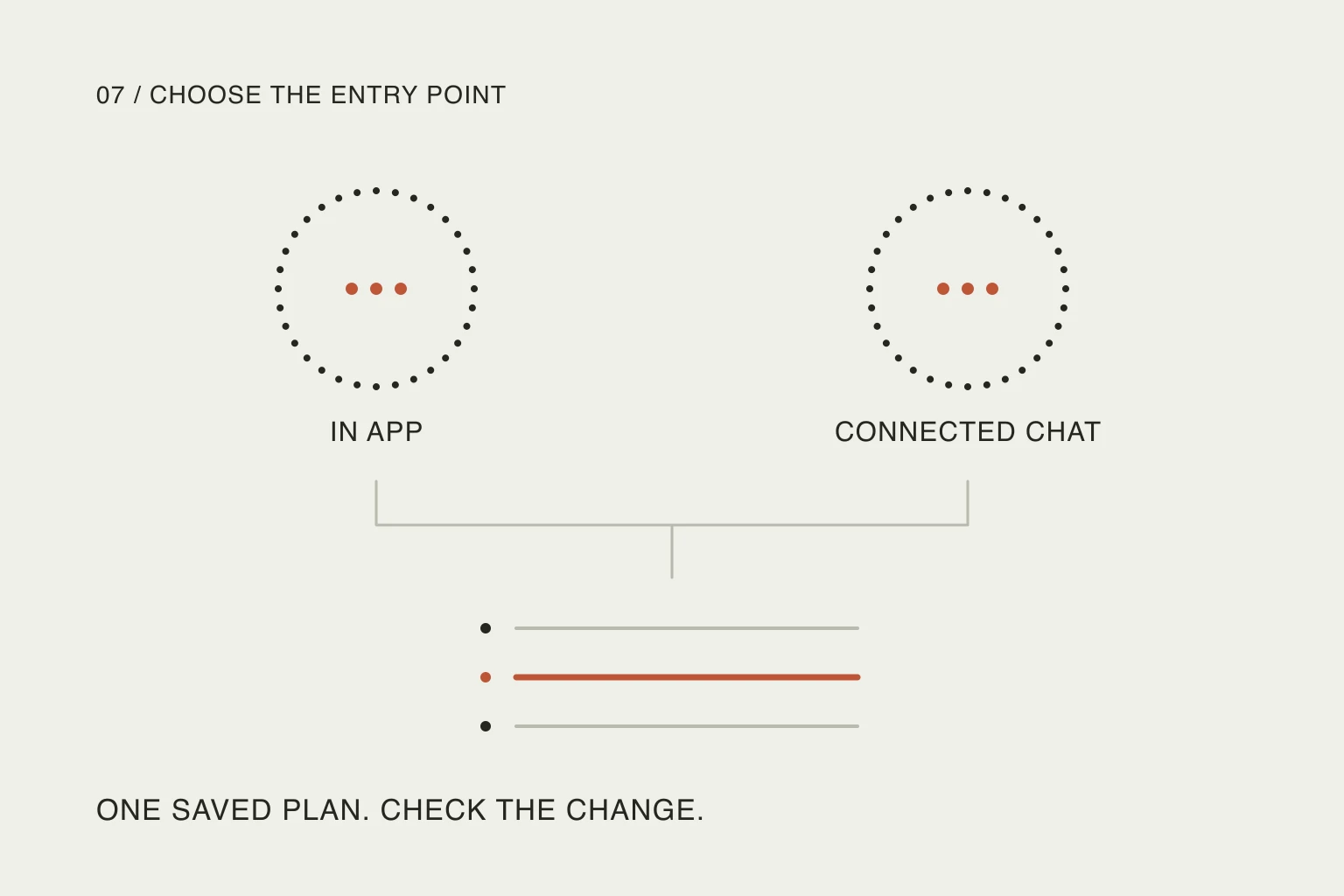
In this article
The reason to revisit that choice is TickTick’s October 8 update entry, which highlights the assistant and its entry points. It is not evidence of a first-ever October launch: users were already discussing the web assistant in September. This article examines current documentation, checked on October 23, 2026. It is not a speed or accuracy benchmark.
Our conclusion is practical: choose one route for a specific job, and judge the result after review and correction. The presence of AI in two places does not mean you need to use both.
Choose the route around the job
TickTick’s assistant guide describes help with existing tasks, habits and focus records, including planning and review. Its MCP guide documents an external connection with tools for finding tasks, creating them and updating saved records.
Those descriptions suggest different starting points, rather than a universal winner:
Scroll sideways to compare →
| Your situation | A reasonable first route | Work to account for |
|---|---|---|
| You know exactly which task needs a new date | Edit that task directly | Finding the item and changing its field |
| You are already reviewing a TickTick list | Try the built-in assistant | Enabling it, explaining the request and checking the proposal |
| You have already worked out the change in an external assistant | Use an existing, supported connection | Connection setup, account selection and checking the saved edit |
| You only need to capture a thought | Use your normal capture method | Correcting the wording or destination, if necessary |
This is an editorial decision aid, not measured click counts. A connection that is already working has a different setup cost from one you must configure today. A short manual edit has a different explanation cost from asking for help with a crowded week.
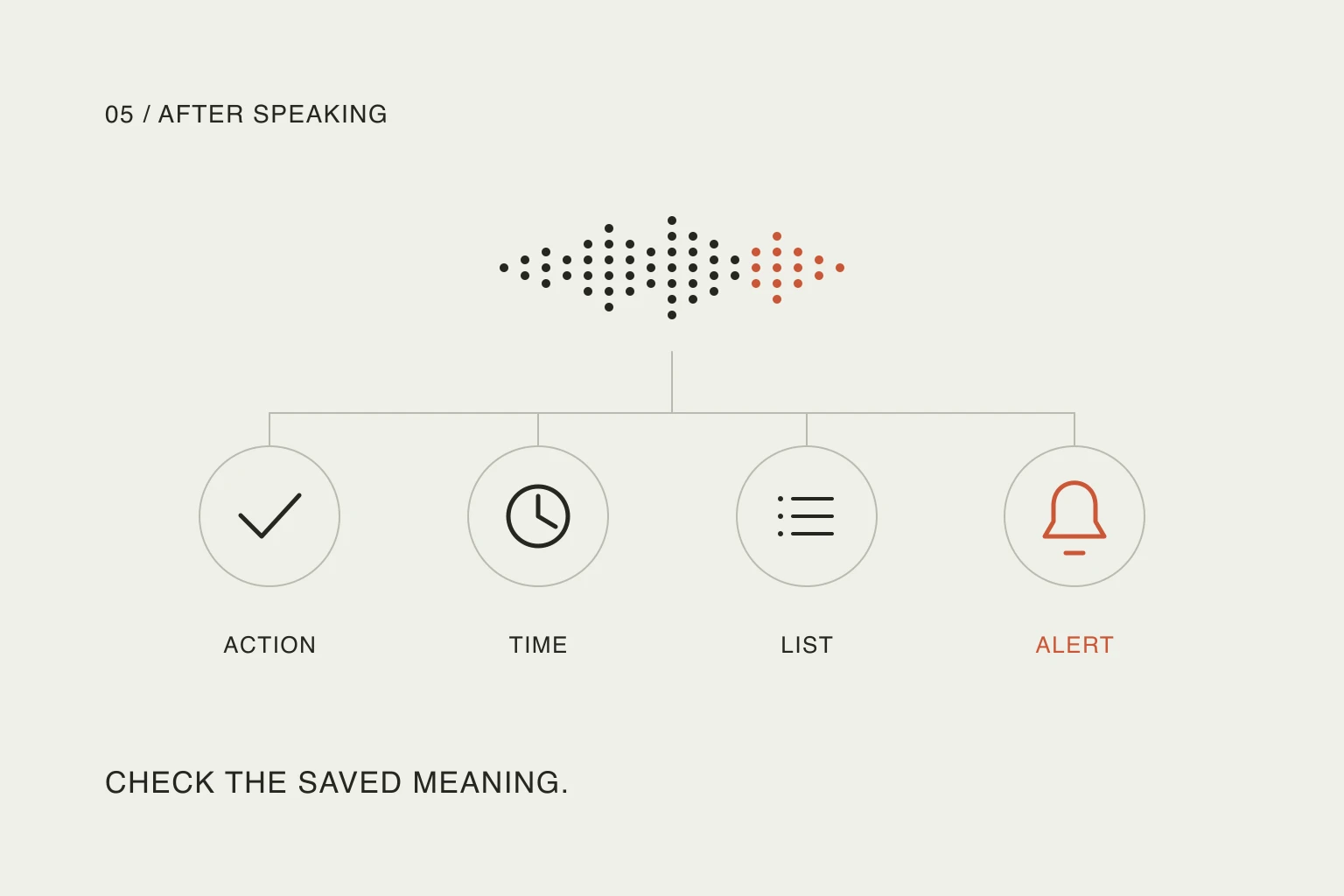
Capture is also a separate job. Turning speech into text, creating task records and changing an existing schedule are different operations. Our voice-capture guide explains how to inspect the saved meaning without assuming a microphone can edit everything afterward.
An existing conversation can be the reason to stay outside the app
One reply in the September discussion gives a concrete reason not to switch entry points:
I'll not use it because I have ticktick connected to my Claude via mcp for like half a year already
— u/BooleT- in r/ticktick, commenting on the announcement. This is one person’s workflow, not proof that the connection is more reliable or faster.
The useful question behind that reply is where the explanation already happened. If you have just discussed a trip in another assistant, repeating the constraints in a second chat can be extra work. If you are looking at a list inside TickTick and only need that context, opening another app can be extra work instead.
Do not assume either interface sees everything the other conversation knows. State the relevant constraint in the request and inspect what was actually saved. The location of the chat is a convenience decision; the resulting task records still need to make sense.
Check availability before changing your routine
The release note gives two entry points: mobile Settings → Tab Bar → AI, and desktop profile → Settings → Features → AI.
There is a documentation wrinkle. The assistant guide’s desktop section names macOS and Web and says Windows is not yet supported. Its FAQ separately excludes Windows 10 or earlier. That exclusion does not establish Windows 11 support. Verify the assistant on your actual device before making it part of a daily routine; we did not test a Windows installation.
The same guide says AI features share a monthly quota, visible under Settings → AI Features. Exhausting it temporarily disables those features until the next monthly reset. We are not quoting a quota size or subscription price: inspect your account’s current allowance.
An external connection has its own setup and provider conditions. TickTick’s MCP documentation describes authentication and the supported operations. Check the relevant client’s current instructions rather than treating “supports MCP” as a promise of identical capabilities everywhere.
Give the assistant a small, inspectable decision
Imagine this synthetic afternoon, used only to illustrate the decision:
Scroll sideways to compare →
| Saved item | Current plan | Requested result |
|---|---|---|
| Repair appointment | Today, 15:00 | Preserve it exactly |
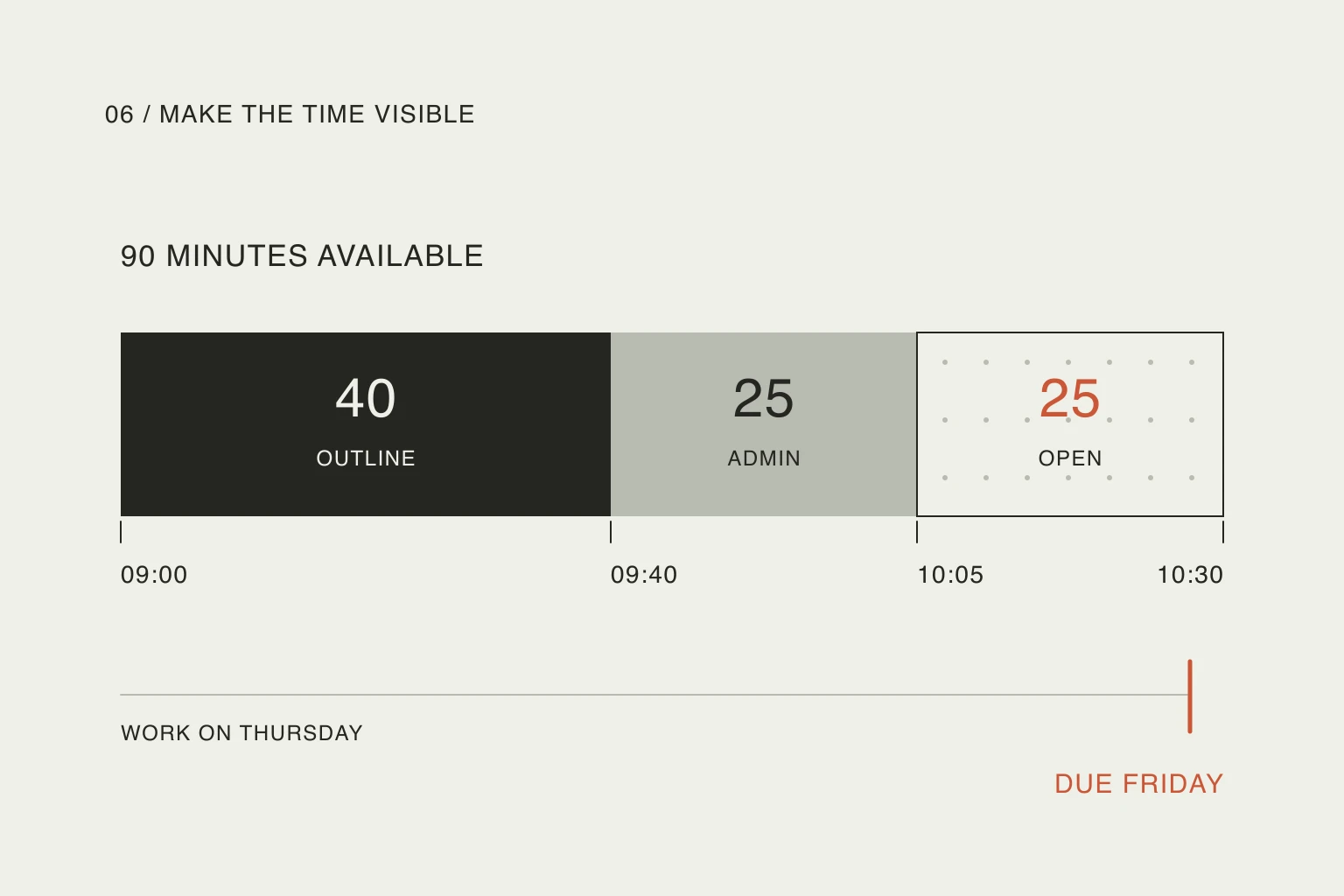
| Draft the outline | Today, 14:00–14:40 | Propose a different slot |
| Buy a notebook | Tomorrow, no time | Leave it alone |
You have learned that preparing for the appointment takes longer than expected. Instead of asking the assistant to “optimize everything,” try an original prompt like this:
Read these three tasks. Keep the repair appointment at 15:00 and leave tomorrow’s notebook task unchanged. I can no longer draft the outline at 14:00. Show one alternative for the outline; do not save changes yet. If you lack my available hours, ask me.
TickTick’s own planning examples ask for a proposal before changes. That is a useful pattern to borrow. It is not a guarantee that a model will follow every instruction, so start with disposable tasks when evaluating the workflow.
When the proposal is acceptable, authorize the particular change using the date and time you actually chose. Then inspect all three records. The appointment should retain its time; the notebook should keep tomorrow’s date without gaining a time; the outline should have one new slot, not a duplicate copy.
These are expected outcomes, not results from a live TickTick test. We deliberately excluded deletion, shared assignments and a whole-account cleanup. You can learn whether a route fits your needs without giving it a larger job than the one you have.
Measure the repair work, too
If you want to compare the routes yourself, use separate copies of the same harmless three-item example. Record what you actually had to do:
- Setup: did you enable a feature or connect an account for the first time?
- Clarification: which missing detail did you need to supply?
- Correction: did you have to fix a date, duplicate or unintended edit?
- Outcome: were all three records correct after the change?
Keep first-time setup separate from repeat use. Do not count a fluent response as a successful edit, and do not count an untouched task as correct without looking at it. If the assistant saves explanation but adds more repair, that is a meaningful result even when the conversation feels pleasant.
For broader changes, identify the fixed commitments before replanning the remaining day. The same constraint should survive whichever interface you choose.
Nowrill keeps the conversation in a connected external assistant and shows the saved plan in its web planner. That architecture may suit people who want to stay in their chosen conversation. TickTick’s built-in route may suit people who want to remain in their task app. Choose the one that leaves you with less work and a result you can verify.
Useful resources
- TickTick’s current update feed — find dated product changes and the documented feature entry points.
- AI Assistant guide and FAQ — inspect planning examples, platform caveats and the shared monthly allowance before relying on the feature.
- TickTick MCP guide — check connection requirements and the actual query/edit tools, rather than assuming all operations are available.